The Build Pipeline
THe Snowpack build pipeline runs on the command snowpack build. Snowpack then creates a production-ready website, with or without a bundler.
This article will cover
- What Snowpack does by default
- When and how to use a bundler
Snowpack’s philosophy is you should be able to use a bundler because you want to, and not because you need to. Snowpack treats bundling as an optional production optimization, which means you’re free to skip the extra complexity of bundling until you need it.
Without a bundler, snowpack build generates a static production build of your site using the same unbundled approach as the dev command. For many projects, this is all you need.
Using a bundler
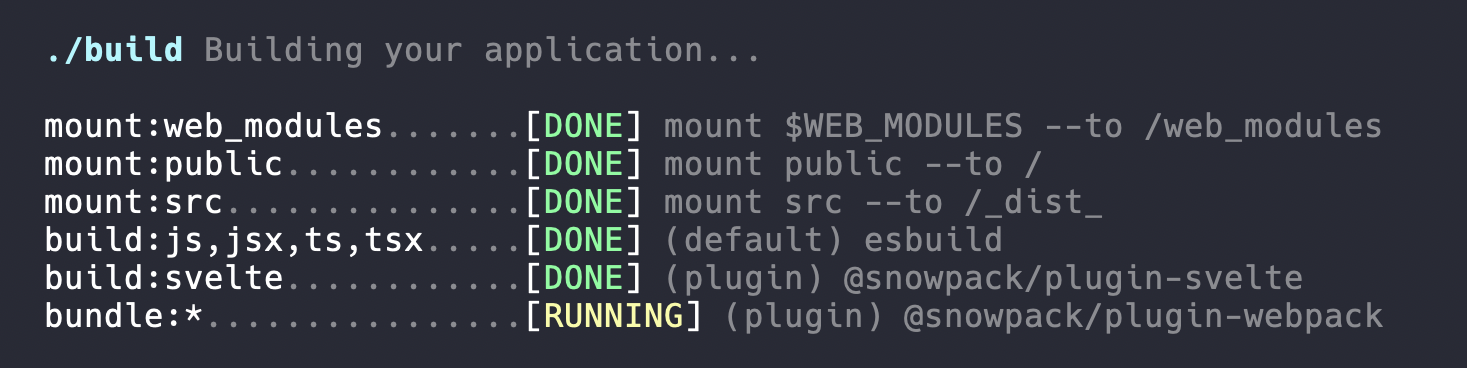
Bundlers normally require dozens or even hundreds of lines of configuration, but adding a bundler to Snowpack is a one-line addition of a bundler plugin to snowpack.config.js. Snowpack then runs the bundler plugin automatically on Snowpack build.
// snowpack.config.js
// Example: enabling @snowpack/plugin-webpack
// npm install —-save-dev @snowpack/plugin-webpack
{
  "plugins": [["@snowpack/plugin-webpack"]]
}
Snowpack eliminates the need for heavy bundler configuration because it builds your application before sending it to the bundler. The bundler then runs on the code (HTML, JS, and CSS) generated by Snowpack and never sees your custom source code (JSX, TS, Svelte, Vue, etc.).
Common uses for bundling are:
- Legacy browser support
- Code minification
- Code-splitting
- Tree-shaking
- Dead code eliminatio
See our bundling guides for more information about connecting bundled (or unbundled) optimization plugins for your production builds.